Easy start
Untouched iPhone 16 Pro Max Apple Log, graded with the actual Natural Base file.
Try Natural Base on your own footageFree, in your browser. Nothing is uploaded.Free look
Natural Base
A clean, filmic Apple Log conversion.
Freefor your email
Get Natural Base free
Plus 10% off your first order. It's also included in the iPhone Starter Pack and the Complete Library.
A clean starting point for any Apple Log clip: a gentle film S-curve, highlights that roll off instead of clipping and vibrance that lifts dull colours more than strong ones. Skin is protected.
Best for: Subtle · Easy start
Will it work for me?
Pick your phone or camera and your app to get a straight answer.
What's in the download
- 1 Apple LogFinal Cut, Resolve, Premiere
- 2 Apple Log Mobile (33 point)phone and tablet apps
- 3 Rec709normal video and photos
- 4 Canon Log 3Cinema Gamut
- 5 Canon Log 2Cinema Gamut
- 6 Sony S-Log3S-Gamut3.Cine
- 7 ARRI LogC3EI 800
- READ ME FIRST.txt
- LICENCE.txt
- Install guide.html
How to use it on iPhone
- Install the free Blackmagic Camera app and set it to Apple Log.
- Import the file from folder 2 Apple Log Mobile.
- Turn on Display LUT and Record LUT to Clip. Film. Done.
Editing on a computer instead? Follow the install guide.
Pairs well with
Looks that cut nicely alongside Natural Base.
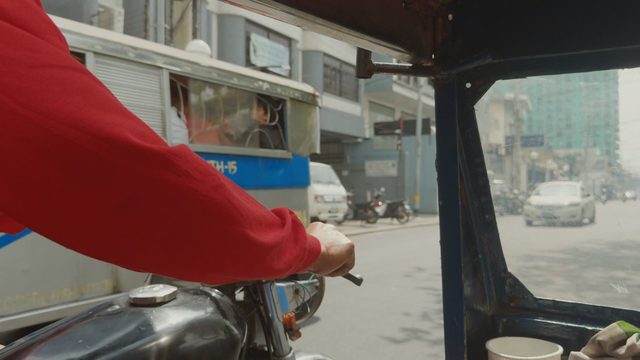
Easy start
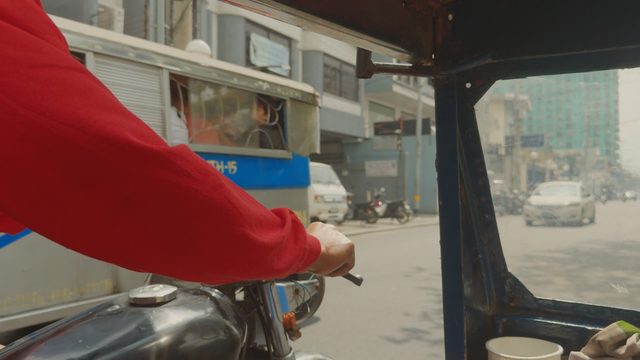
Easy start
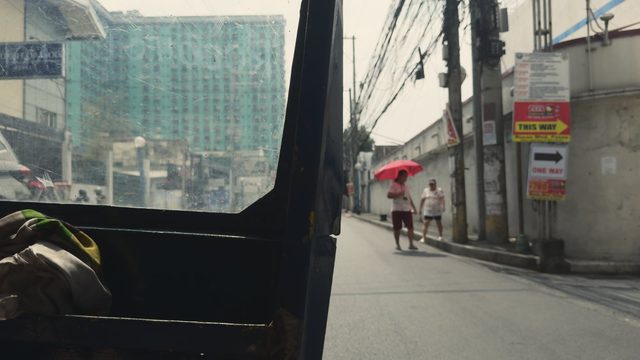
Easy start

Works on your iPhone
Built from scratch for Apple Log on iPhone 15 Pro and later. Not a Rec709 filter adapted to fit.
Record with the look built in
Load a look into the free Blackmagic Camera app and see it while you film, recorded straight into the clip. Or add it later in your editor.
Every camera format included
Each look comes in 7 versions: Apple Log, a 33 point mobile file, Rec709, Canon Log 3, Canon Log 2, S-Log3 and LogC3.
Commercial licence included
Use them on client work, adverts and brand content. No extra licence to buy, unlike most LUT shops.
30-day it-works guarantee
If a look won't work on your footage, Joe helps you fix it. If he can't, you get a full refund.
Instant download
Your zip is ready the moment you pay. Lost it? Re-send your links any time from the Library page.
Questions
Which iPhones does it work with?
Apple Log is recorded by iPhone 15 Pro, 15 Pro Max and every Pro model since. Choose Apple Log (not Apple Log 2) in your camera app. Not shooting log? The Rec709 version of every look works on normal iPhone video, other phones, cameras and photos.
Do I need a computer?
No. Load a look into the free Blackmagic Camera app and your iPhone records with the look built in, so the clip comes out ready to post (record a short test first, as the install guide explains). Or add looks afterwards in phone apps like Adobe Premiere for iPhone or LumaFusion.
Why does my footage look crushed or too saturated?
It's being converted twice: once by your app's automatic log conversion and again by the look. Switch the automatic conversion off and use the log version, or leave it on and use the Rec709 version.
Are the before and after videos real?
Yes. Every demo on this site is the same untouched Apple Log clip from an iPhone 16 Pro Max, graded with the actual look file you download. Nothing else is added: no extra grading, no masks, no AI.
Can I upgrade later?
Yes. Anything you buy counts in full towards the Complete Library: your order page shows an upgrade for the difference, any time. And if you buy a single look and then its collection within 30 days, we refund the single.
What if they don't work for me?
Email us within 30 days. We'll help you get them working, and if we can't, you get a full refund.